
Drupal Development & Migration
Drupal 6 through 11: architecture, custom modules, version migrations and the long tail of keeping it healthy.
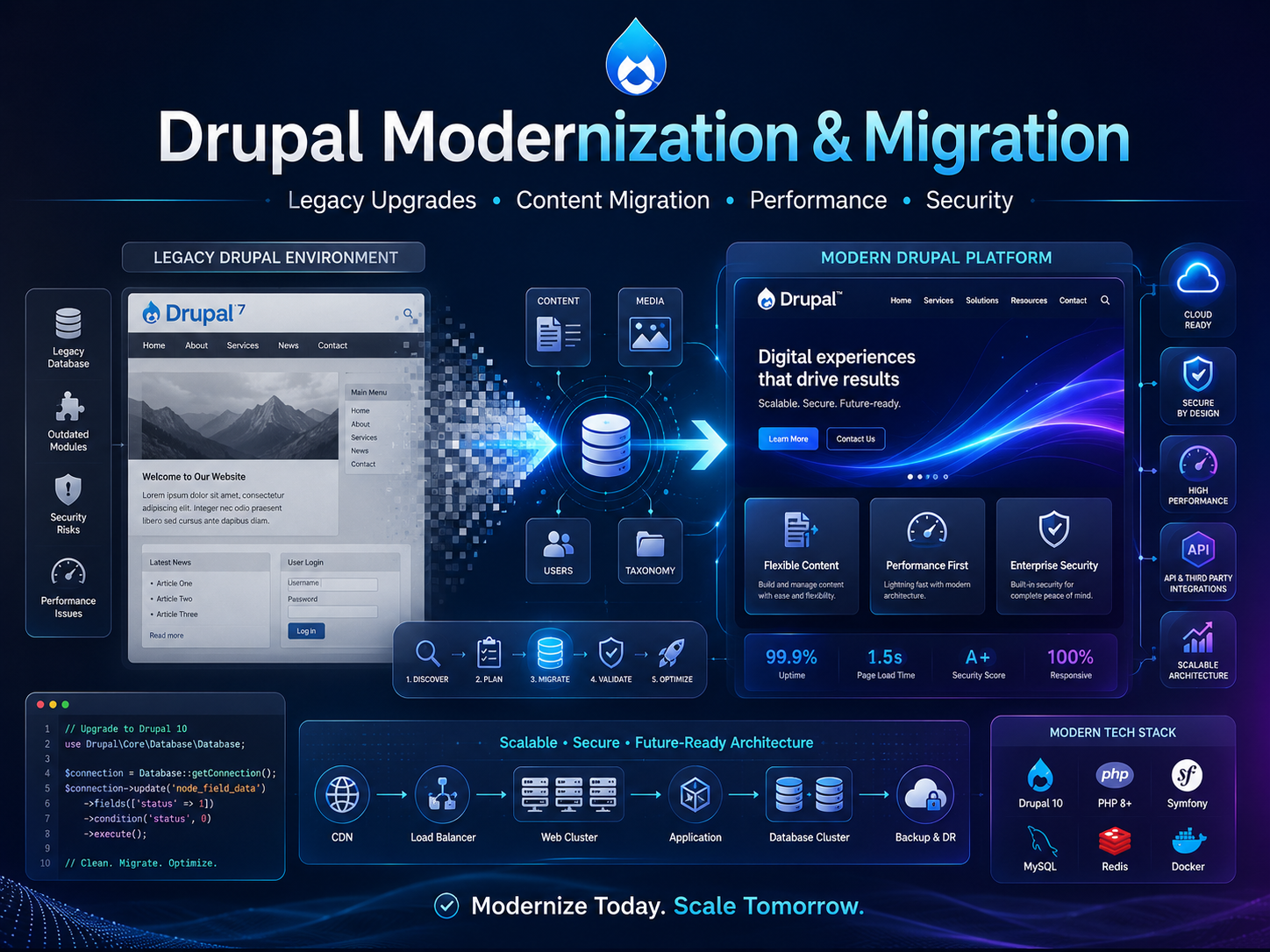
The most common CMS engagement I take on: a Drupal platform several major versions behind, past its security coverage, with the original team long gone. The work is less about Drupal than about reducing the unknowns until a migration can be planned honestly.
Rarely neglect. More often a platform that worked well enough that nobody had a reason to touch it, built by an agency whose contract ended, with upgrades treated as projects requiring budget rather than as routine maintenance. Each skipped version makes the next move harder, and eventually the jump is large enough that nobody wants to own the estimate.
The forcing function is usually an end-of-life date, a failed security audit, or a compromise.
Nothing can be estimated before knowing what is actually running. The audit covers every contributed module and its fate on the target version — modern equivalent, absorbed into core, droppable, or needs rewriting — plus custom code, patches applied to core or contributed modules, the real content model versus the intended one, and integrations with external systems.
This list is where the timeline comes from. A site using mostly core features with a clean model moves in weeks; one with substantial custom code and abandoned modules takes months. Producing that number before the audit is guessing.
Moving from Drupal 7 to 10 or 11 is a rebuild of the technical layer with content carried across. Framing it as an upgrade sets expectations that will not survive the work.
Content moves through the Migrate API as repeatable, re-runnable migrations with mapping and validation — so the cycle is migrate, review, fix, re-migrate rather than one attempt under pressure. A migration is also the one economical opportunity to fix a content model that has drifted; migrating a bad model faithfully preserves the problem for another decade.
The failure that hurts most and is entirely avoidable. Every old URL needs a mapped destination, page titles and meta descriptions carried across, structured data reproduced, and Search Console watched through the transition so problems surface within days.
Ranking loss during a replatform is common. It is a consequence of skipping this work rather than an inherent risk of migrating.
The migration is wasted if the new platform drifts the same way. That means Composer-managed dependencies, a staging environment that matches production, enough automated test coverage on critical paths to apply security updates promptly with confidence, and a deployment pipeline that makes doing so routine rather than an event.
Editor documentation and a walkthrough are part of the delivery too — the admin experience differs enough between major versions that skipping this reliably produces a quiet return to old habits.
Client identities and confidential implementation details are intentionally omitted here. Happy to talk through the specifics of your situation directly.
Start a conversation